HP B8850 Bedienungsanleitung

Stöbern Sie online oder laden Sie Bedienungsanleitung nach Tintenstrahldrucker HP B8850 herunter. HP B8850 User's Manual Benutzerhandbuch

  • Herunterladen
  • Zu meinen Handbüchern hinzufügen
  • Drucken
  • Seite
    / 4
  • Inhaltsverzeichnis
  • LESEZEICHEN
  • Bewertet. / 5. Basierend auf Kundenbewertungen
Seitenansicht 0
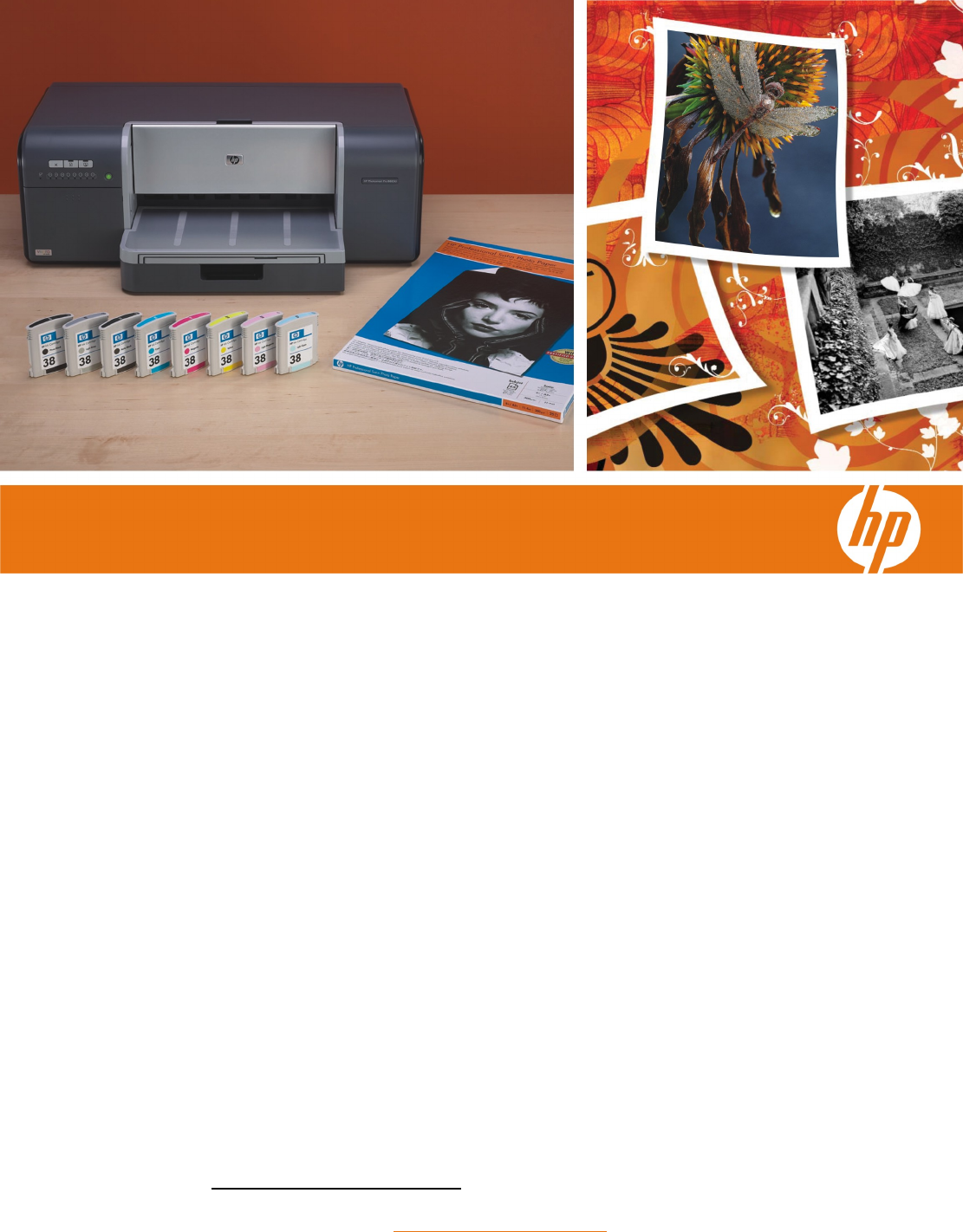
HP Photosmart Pro B8850 Photo Printer
Professional photo quality
Now you can easily produce archival, professional
photos at home or in-studio. Eight individual
pigment-based HP Vivera inks give you precise,
wide-ranging colors for lifelike portraits and brilliant
landscapes. True neutral grays and deep blacks
ensure stunning black-and-white photos.
Count on exceptional fade-resistance—archival-
quality prints resist fading under glass for 200-plus
years, using HP Advanced Photo Paper.
1
Plus,
photos are ready to handle immediately and resist
water, smudges, and humidity.
HP color management tools fully support Adobe
RGB, sRGB, and ICC profiles for greater color
control. Basic color calibration automatically adjusts
the print settings to maintain accuracy and ensures
consistent color reproduction print after print.
You’ll find this printer to be a quick and efficient
solution for creating eye-catching marketing
materials and presentations in-house.
Reliable
HP’s inks, media, and printing technology are all
designed and tested to work together for precise
color, image uniformity, and detail. High-capacity,
individual ink cartridges enable more affordable
printing with fewer interruptions. Minimize waste with
Electrostatic Drop Detection, an efficient, self-
monitoring system that keeps the printer in top
condition by cleaning only the individual print
nozzles that require it.
Easy to use
An HP DreamColor product, the HP Photosmart
Pro B8850 helps you effortlessly achieve prints that
match your creative vision. See 4 by 6 inch photos in
as fast as 10 seconds (13 by 19 inch photos in as
fast as 90 seconds).
The printer is compatible with Adobe Photoshop®
CS3 for easy management and streamlined printing.
The HP Photosmart ProPrint plug-in for Adobe
Photoshop CS2 automatically synchronizes CS2 and
the printer driver for a single user interface.
An interactive, animated setup wizard ensures easy
installation. The HP Solution Center provides
one-button access to tools such as ICC profiles or the
ability to add contrasts, textures and effects.
1
Display permanence rating by Wilhelm Imaging Research, Inc. or HP Image Permanence Lab using select HP Vivera
pigment inks. For details, visit www.hp.com/go/printpermanence
.
Outstandin
g
photo and fine-art printin
g
for the
serious photographer.
Seitenansicht 0
1 2 3 4

Inhaltsverzeichnis

Seite 1 - Easy to use

HP Photosmart Pro B8850 Photo Printer Professional photo quality Now you can easily produce archival, professional phot

Seite 2 - Key technologies

HP Photosmart Pro B8850 Photo Printer 1 Three control panel buttons 2 Attention light and eight ink level indicators 3 Power button 4 Top door

Seite 3 - Not just for photos

Create professional-looking marketing documents, proofs, and other materials in-house. Supports a variety of media The HP Photosmart Pro B8850 Printe

Seite 4 - Technical specifications

HP Photosmart Pro B8850 Photo Printer Technical specifications Part number Q7161A Print technology HP thermal inkjet Print resolution (best) Up

Kommentare zu diesen Handbüchern

Keine Kommentare